Quadratic
Best for quadratic is a browser spreadsheet with an AI built in.
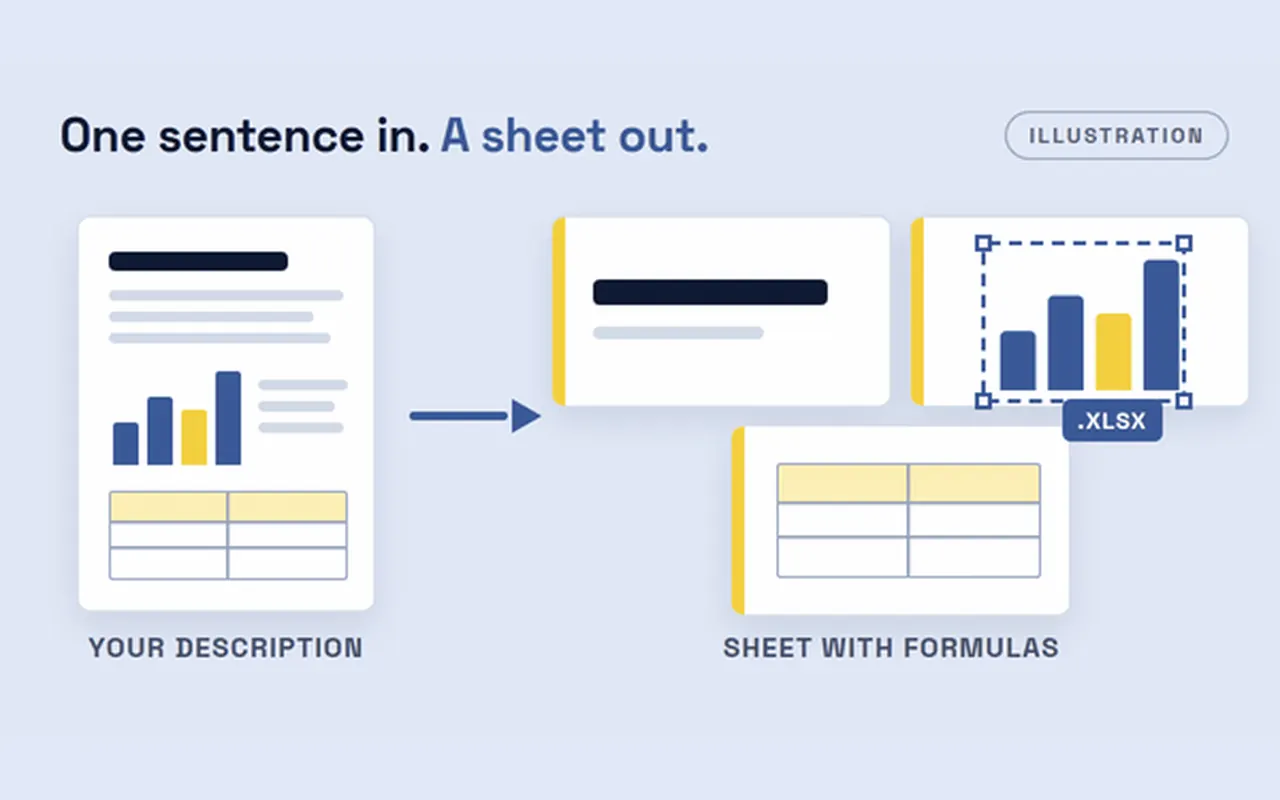
Quadratic is a browser spreadsheet with an AI built in. You describe the sheet you want, and the AI builds and edits it in front of you, formulas included. On November 2 it also added AI documents and presentations alongside its spreadsheets. It is not new as a product, but this is a material update.
The free path
Free Personal plan with limited AI usage and limited sharing, files and connections. Quadratic does not publish the exact free AI allowance, so expect to hit a cap if you use it heavily. Pricing: Free Personal plan with limited AI usage and limited sharing, files and connections.
As reported in our 14 Nov 2026 issue.
How to get the most out of it
Try it in 3 steps
- Sign up free at quadratichq.com and open a new spreadsheet.
- In the AI panel, describe the sheet: the rows, the columns, which column is a formula.
- Check the formulas it wrote, then use File, Export to Excel. Per Quadratic's changelog, the export keeps your data, formulas and formatting, but not charts.
Tips that use Quadratic
Why we picked it
Claude Sheets is paid-plans only. Quadratic is the free path to the same job: a working spreadsheet from a description, without paying for a chatbot subscription first.
From our 14 Nov 2026 issue.
Where we covered it
- 14 Nov 2026 · Tool of the WeekHow to Get Claude to Build Your Spreadsheets
More slides tools
Ideogram
Ideogram turns a one-sentence description into an image with the words spelled right: an event flyer, a slide header, a social post graphic, a sign for the office kitchen.
Piktochart
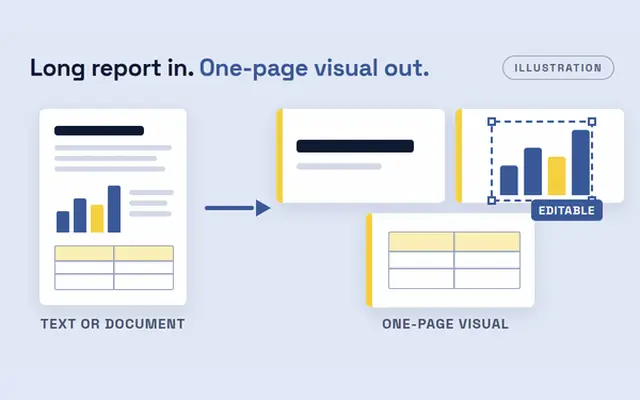
Piktochart is a design tool with an AI generator.
Gamma
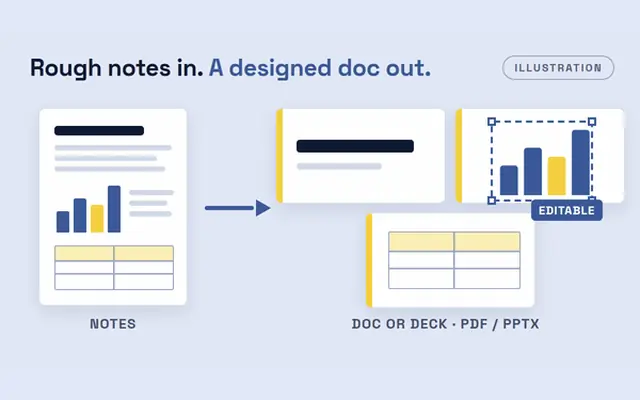
Gamma turns rough notes or a one-line prompt into a finished, designed document you can share or export. Gamma 5, released earlier this month (October 6), is a rebuild of the engine.
Presentations.ai
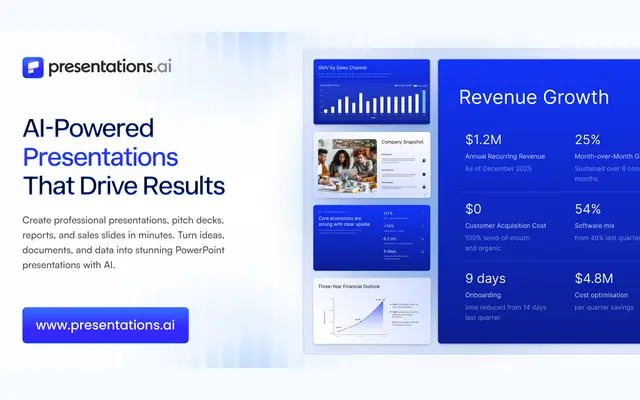
An on-brand deck from a topic, file or your URL
Get the one tool worth trying each week.
One free AI tool we actually tried, what it hands you, and whether the free plan is enough. Plus the week's AI news in plain English.
Free. Every Saturday. About a 4 minute read.