Gamma
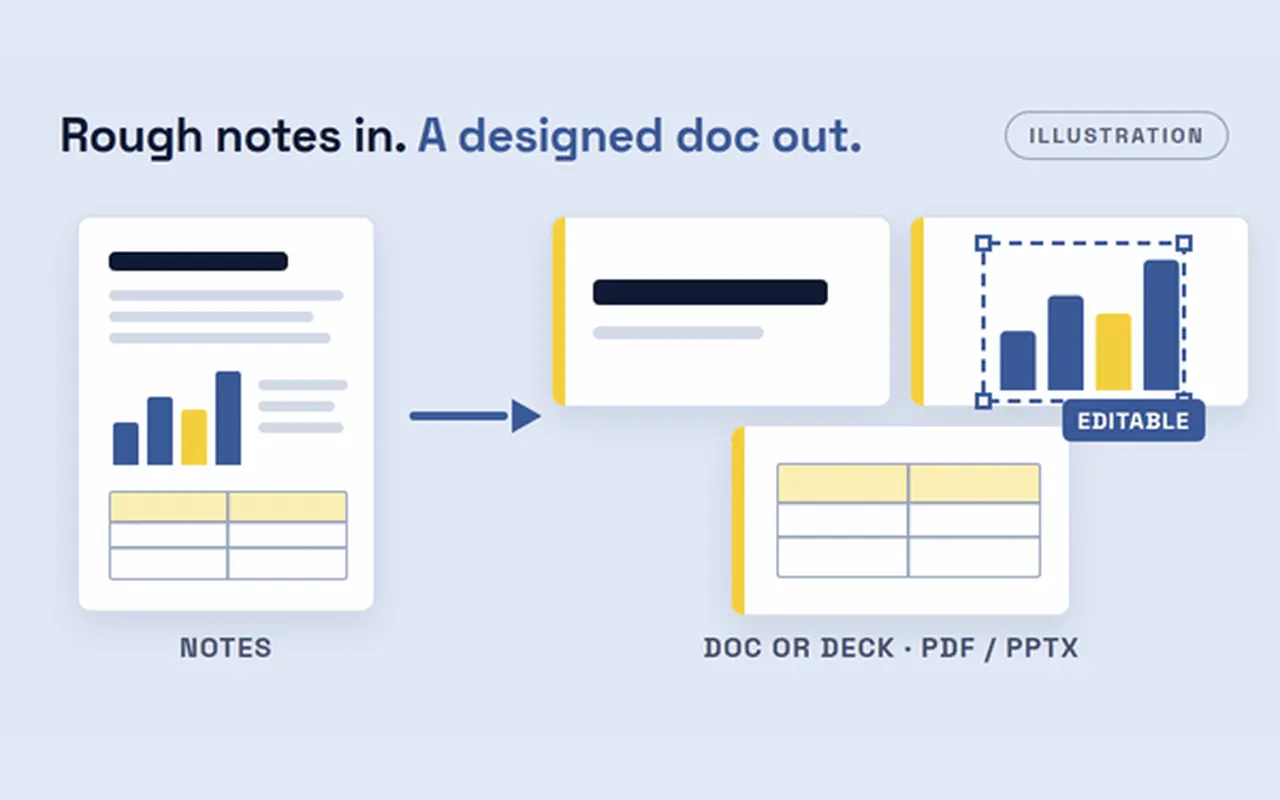
Best for gamma turns rough notes or a one-line prompt into a finished, designed document you can share or export. Gamma 5, released earlier this month (October 6), is a rebuild of the engine.
Gamma turns rough notes or a one-line prompt into a finished, designed document you can share or export. Gamma 5, released earlier this month (October 6), is a rebuild of the engine. It is not just slides any more: the same engine now makes docs, social posts and graphics, with a much wider range of visual styles, and you can either let the AI agent edit for you or move individual elements yourself on a freeform canvas. Gamma 5 is live for every user on every plan, free included. An established tool rather than a this-week launch, but the October update is a real change.
The free path
Free plan with 400 one-time AI credits (no card; removing the Gamma logo needs a paid plan). Free-plan limits per Mynavi's Gamma 5 review. Pricing: Free plan with 400 one-time AI credits (no card; removing the Gamma logo needs a paid plan).
As reported in our 24 Oct 2026 issue.
How to get the most out of it
Try it in 3 steps
- Sign up free at gamma.app. No credit card.
- Paste your rough notes (a project update, a proposal outline, a client recap) and pick a doc or a deck. The free plan builds up to 10 slides or cards from one prompt.
- Edit anything that is wrong, then export to PDF or PowerPoint, or share a link.
Tips that use Gamma
Why we picked it
Gamma is the same idea for documents: it does the layout and design, you edit the words and decide when it goes out.
From our 24 Oct 2026 issue.
Where we covered it
- 24 Oct 2026 · Tool of the WeekClaude Duet Needs Your OK on 4 Things
More slides tools
Ideogram
Ideogram turns a one-sentence description into an image with the words spelled right: an event flyer, a slide header, a social post graphic, a sign for the office kitchen.
Quadratic
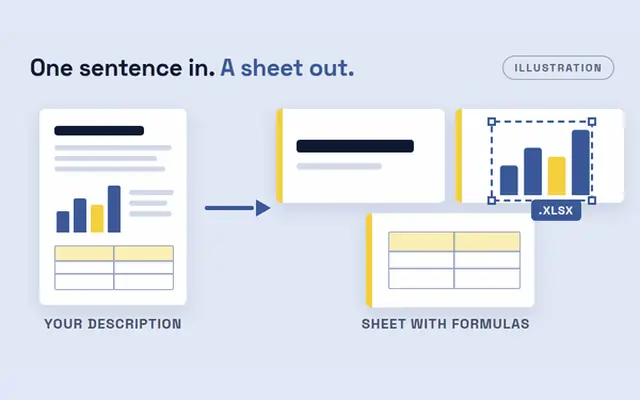
Quadratic is a browser spreadsheet with an AI built in.
Piktochart
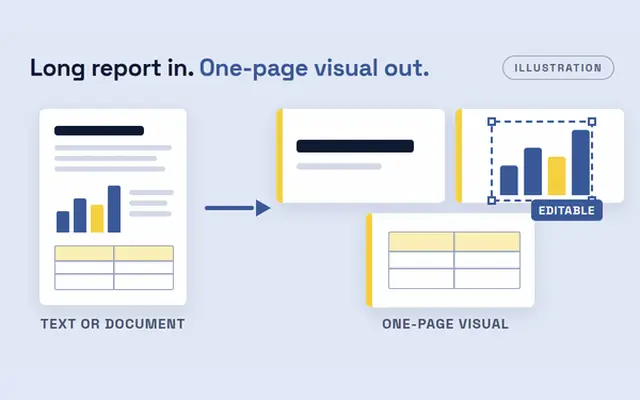
Piktochart is a design tool with an AI generator.
Presentations.ai
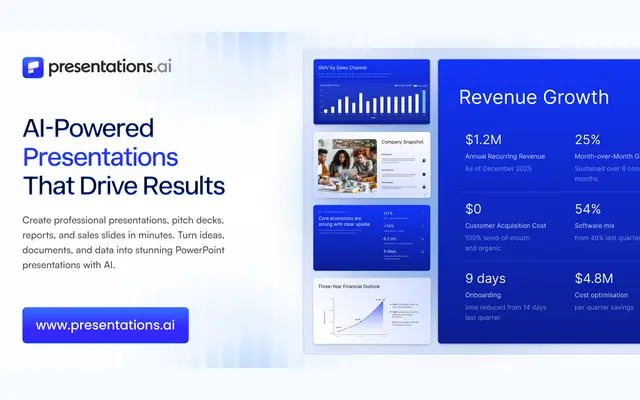
An on-brand deck from a topic, file or your URL
Get the one tool worth trying each week.
One free AI tool we actually tried, what it hands you, and whether the free plan is enough. Plus the week's AI news in plain English.
Free. Every Saturday. About a 4 minute read.