Piktochart
Best for piktochart is a design tool with an AI generator.
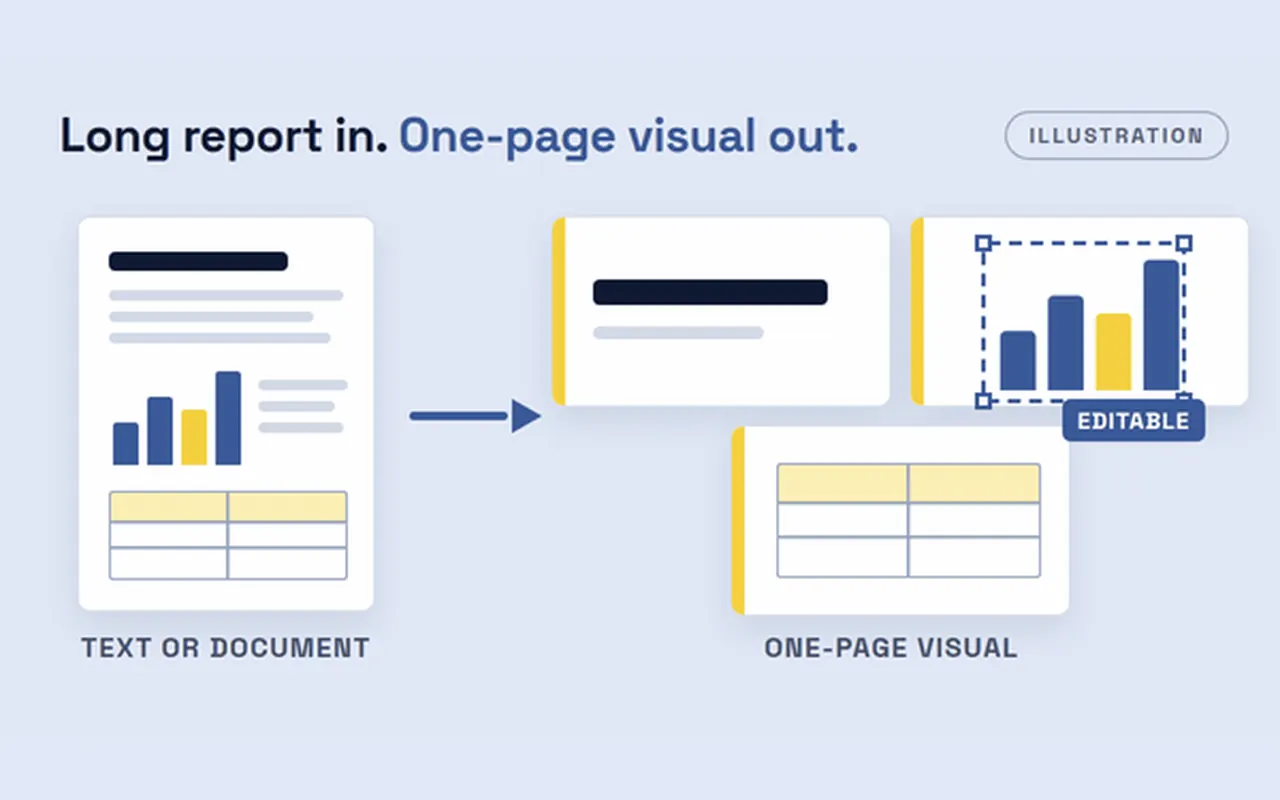
Piktochart is a design tool with an AI generator. Paste in text or upload a document, such as a report, and it drafts an infographic, one-pager, presentation or report you can edit and download. It is an established tool rather than a this-week launch.
The free path
Free plan with 60 AI credits a month, no card. Downloads on the free plan are limited: Piktochart's comparison page lists 2 PNG downloads, while another of its pages describes PDF export, so check in the app before you rely on it. Pricing: Free plan with 60 AI credits a month, no card.
As reported in our 7 Nov 2026 issue.
How to get the most out of it
Try it in 3 steps
- Sign up free at piktochart.com. No card required, per Piktochart's own guide.
- Paste in the text of a report, or upload the document. That costs 3 AI credits. A topic prompt costs 1.
- Edit the draft, check every number against your source, then download it.
Why we picked it
Everyone gets handed a long report that needs to become one page for a boss or client. That job comes around constantly, and most people still do it by hand.
From our 7 Nov 2026 issue.
Where we covered it
- 7 Nov 2026 · Tool of the WeekNasdaq's Worst Day in 19 Months Was About AI
More slides tools
Ideogram
Ideogram turns a one-sentence description into an image with the words spelled right: an event flyer, a slide header, a social post graphic, a sign for the office kitchen.
Quadratic
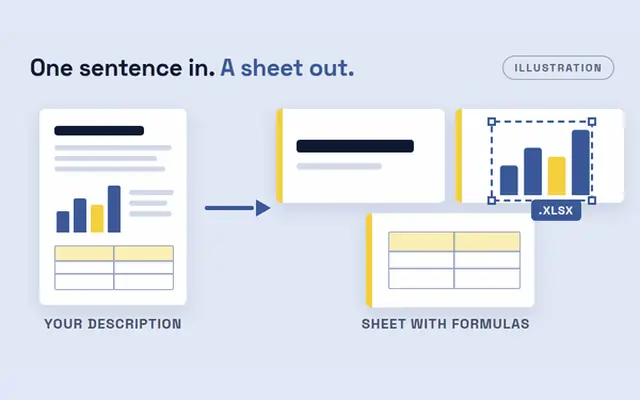
Quadratic is a browser spreadsheet with an AI built in.
Gamma
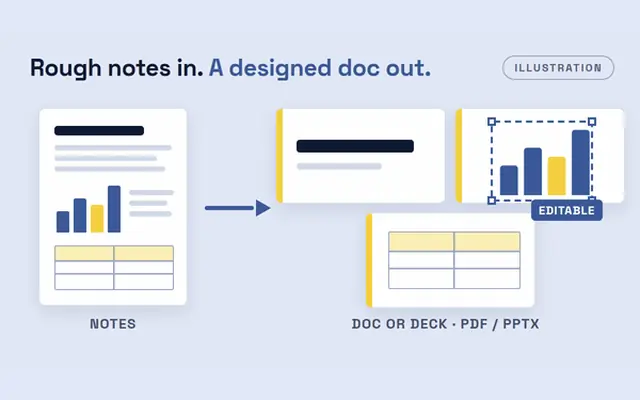
Gamma turns rough notes or a one-line prompt into a finished, designed document you can share or export. Gamma 5, released earlier this month (October 6), is a rebuild of the engine.
Presentations.ai
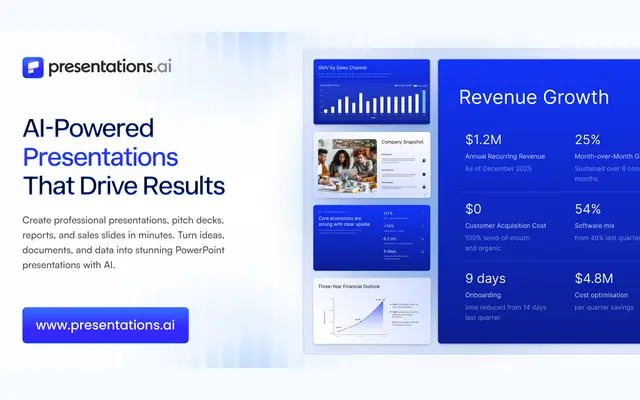
An on-brand deck from a topic, file or your URL
Get the one tool worth trying each week.
One free AI tool we actually tried, what it hands you, and whether the free plan is enough. Plus the week's AI news in plain English.
Free. Every Saturday. About a 4 minute read.