All tools / Slides and presentations
Presentations.ai
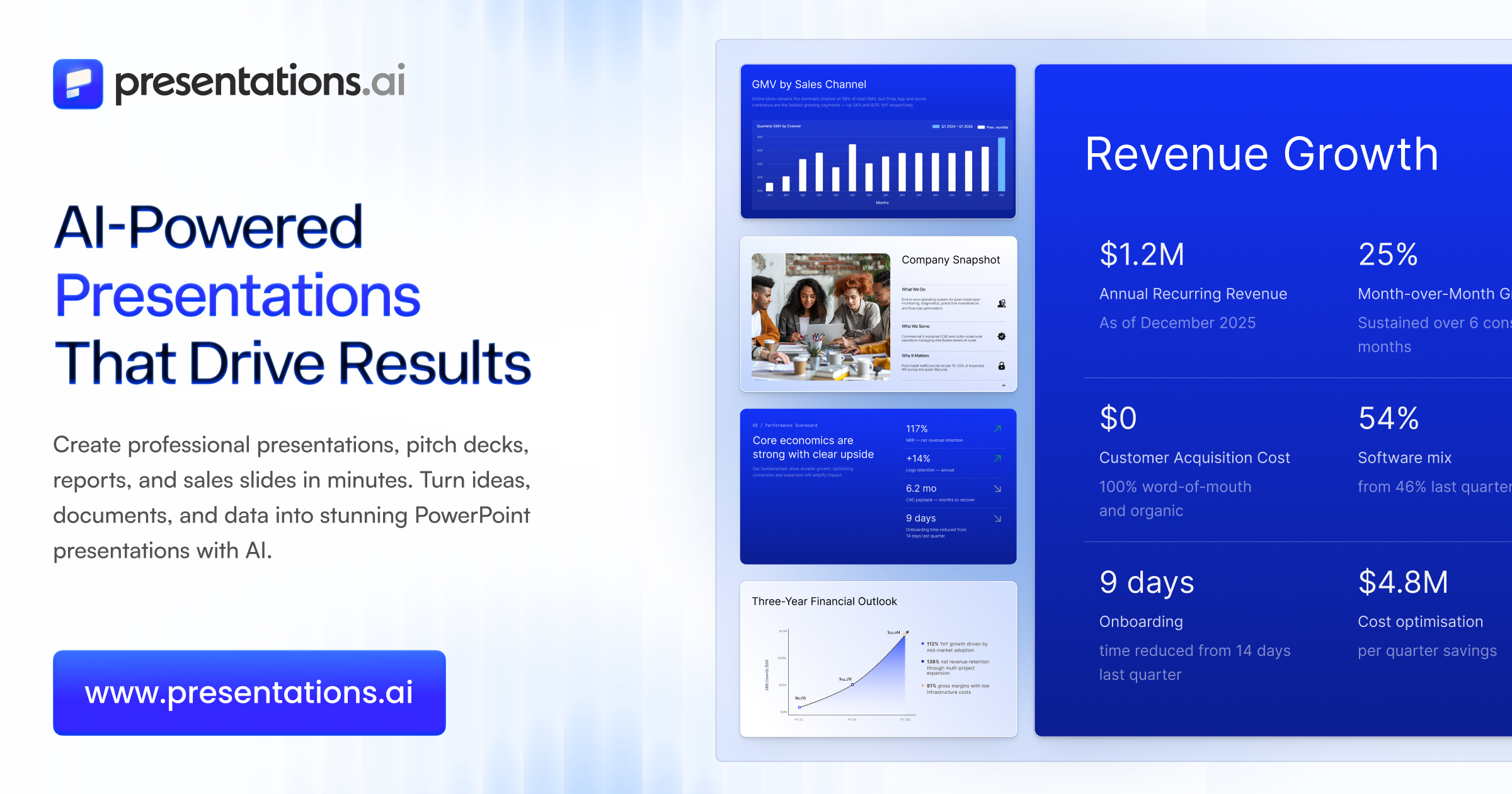
You describe a topic, or paste a document, a PDF, or your company URL, and its AI assistant (Clip-E) builds a complete, on-brand slide deck for you: structure, written content, and design in one pass. Then you refine it by chatting, "tighten slide 3," "move the budget after the timeline," "make the colors more neutral," instead of nudging boxes around by hand.
The free path: Free Start plan (100 credits, no card required).
Pricing
Free Start plan (100 credits, no card required). Pro is about $20 per month billed annually (5,000 credits), and Gold is $100 per month for heavy use.
As reported in our 18 Jul 2026 issue.
Try it in 3 steps
- Paste a prompt, a document, or your company URL and let Clip-E draft the full deck.
- Talk to it in plain language to refine: reorder slides, cut the fluff, restyle, or generate a version tailored to a specific client.
- Export a fully editable .pptx into PowerPoint or Google Slides, where you do the last-mile review before anyone sees it.
Where we covered it
- 18 Jul 2026, Tool of the Week: GPT-5.6 Just Deleted a Live Database
More slides and presentations tools
- Presenti
Presenti turns a prompt, an outline, or a Word or PDF file into a finished, professionally designed slide deck in under a minute.
Tool of the Week · last covered 29 Aug 2026
- Genspark
You describe the outcome you want, a slide deck, a spreadsheet with the analysis already done, a research brief, a formatted doc, and Genspark's agent builds the finished file, then lets you refine it by chatting.
Tool of the Week · last covered 25 Jul 2026
Get the one tool worth trying each week.
One free AI tool we actually tried, what it hands you, and whether the free plan is enough. Plus the week's AI news in plain English. About a 4 minute read, every Saturday.
Subscribe free