Ideogram
Best for ideogram turns a one-sentence description into an image with the words spelled right: an event flyer, a slide header, a social post graphic, a sign for the office kitchen.
Ideogram turns a one-sentence description into an image with the words spelled right: an event flyer, a slide header, a social post graphic, a sign for the office kitchen. It is an established tool, not a this-week launch. It earns the spot because readable text inside AI images became the race that week (see Kling below), and Ideogram is a version of it you can use on a free plan today.
The free path
Free plan with 30 credits a week, reset every Saturday; an image costs 3 to 9 credits depending on the model and quality, so roughly 3 to 10 images a week. Everything you make on the free plan is public, so keep anything confidential out of it. Pricing: Free plan with 30 credits a week, reset every Saturday; an image costs 3 to 9 credits depending on the model and quality, so roughly 3 to 10 images a week.
As reported in our 21 Nov 2026 issue.
How to get the most out of it
Try it in 3 steps
- Sign up at ideogram.ai with Google or Apple. Free credits only apply to those two sign-ins, per Ideogram's plans page.
- Put the exact words you want in quotes in your prompt. For example: a clean flyer that says "Team Offsite, Friday 4 PM, Rooftop" in navy and white.
- Pick the result you like and download it.
Where we covered it
- 21 Nov 2026 · Tool of the WeekGemini Can Now Use Your Mac Apps for You
More slides tools
Quadratic
Quadratic is a browser spreadsheet with an AI built in.
Piktochart
Piktochart is a design tool with an AI generator.
Gamma
Gamma turns rough notes or a one-line prompt into a finished, designed document you can share or export. Gamma 5, released earlier this month (October 6), is a rebuild of the engine.
Presentations.ai
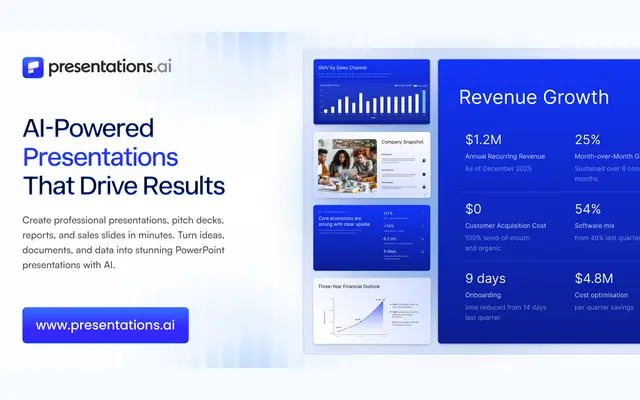
An on-brand deck from a topic, file or your URL
Get the one tool worth trying each week.
One free AI tool we actually tried, what it hands you, and whether the free plan is enough. Plus the week's AI news in plain English.
Free. Every Saturday. About a 4 minute read.