MagicSlides
Best for A deck from a prompt, PDF, Word doc or YouTube link.
MagicSlides turns a prompt, a PDF, a Word doc, or even a YouTube link into a full slide deck you can edit and present.
The free path
the free plan generates and downloads real decks at no cost; paid plans run from $29/month (Premium, 50 decks a month) to $34/month for unlimited. You walk away with an editable, ready-to-present deck exported to PowerPoint or Google Slides, built on a free plan with no card required. Pricing: the free plan generates and downloads real decks at no cost; paid plans run from $29/month (Premium, 50 decks a month) to $34/month for unlimited.
As reported in our 26 Sep 2026 issue.
How to get the most out of it
Try it in 3 steps
- Go to magicslides.app and paste your source: a topic sentence, a link to a report, or a PDF you already have.
- Pick the number of slides and a template, then let it generate. You get a full draft in under a minute.
- Export straight to Google Slides or PowerPoint and edit like any normal deck. Nothing is locked in a proprietary viewer.
Why we picked it
The whole theme of the week is paid tools slipping behind free logins, and slide decks are the clearest example. MagicSlides is one of the few AI presentation makers with a genuinely free tier and no credit card wall, so you can test the "type a sentence, get a deck" workflow today instead of reading about it.
From our 26 Sep 2026 issue.
Where we covered it
- 26 Sep 2026 · Tool of the WeekHow to Get Photoshop Tools Free in Gemini
More slides tools
Ideogram
Ideogram turns a one-sentence description into an image with the words spelled right: an event flyer, a slide header, a social post graphic, a sign for the office kitchen.
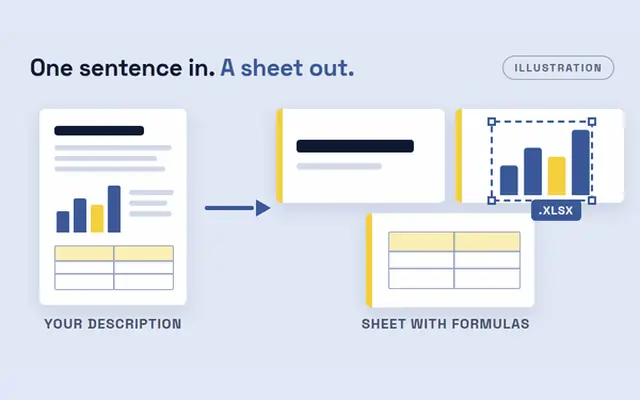
Quadratic
Quadratic is a browser spreadsheet with an AI built in.
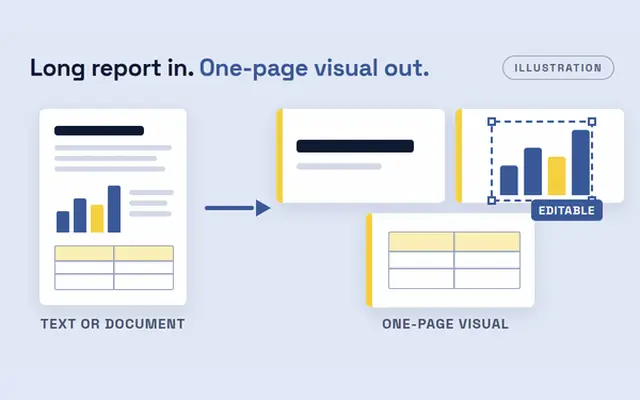
Piktochart
Piktochart is a design tool with an AI generator.
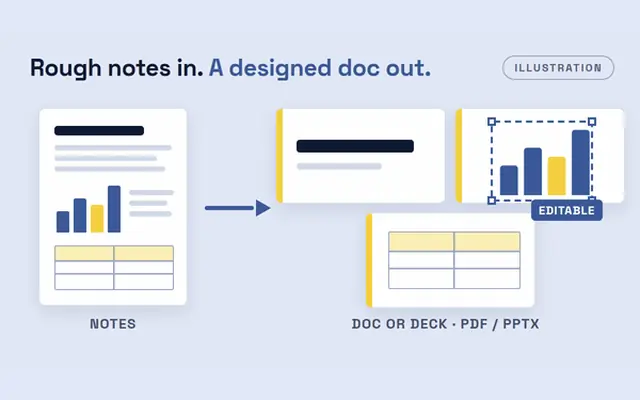
Gamma
Gamma turns rough notes or a one-line prompt into a finished, designed document you can share or export. Gamma 5, released earlier this month (October 6), is a rebuild of the engine.
Get the one tool worth trying each week.
One free AI tool we actually tried, what it hands you, and whether the free plan is enough. Plus the week's AI news in plain English.
Free. Every Saturday. About a 4 minute read.