All tools / Planning and scheduling
Akiflow
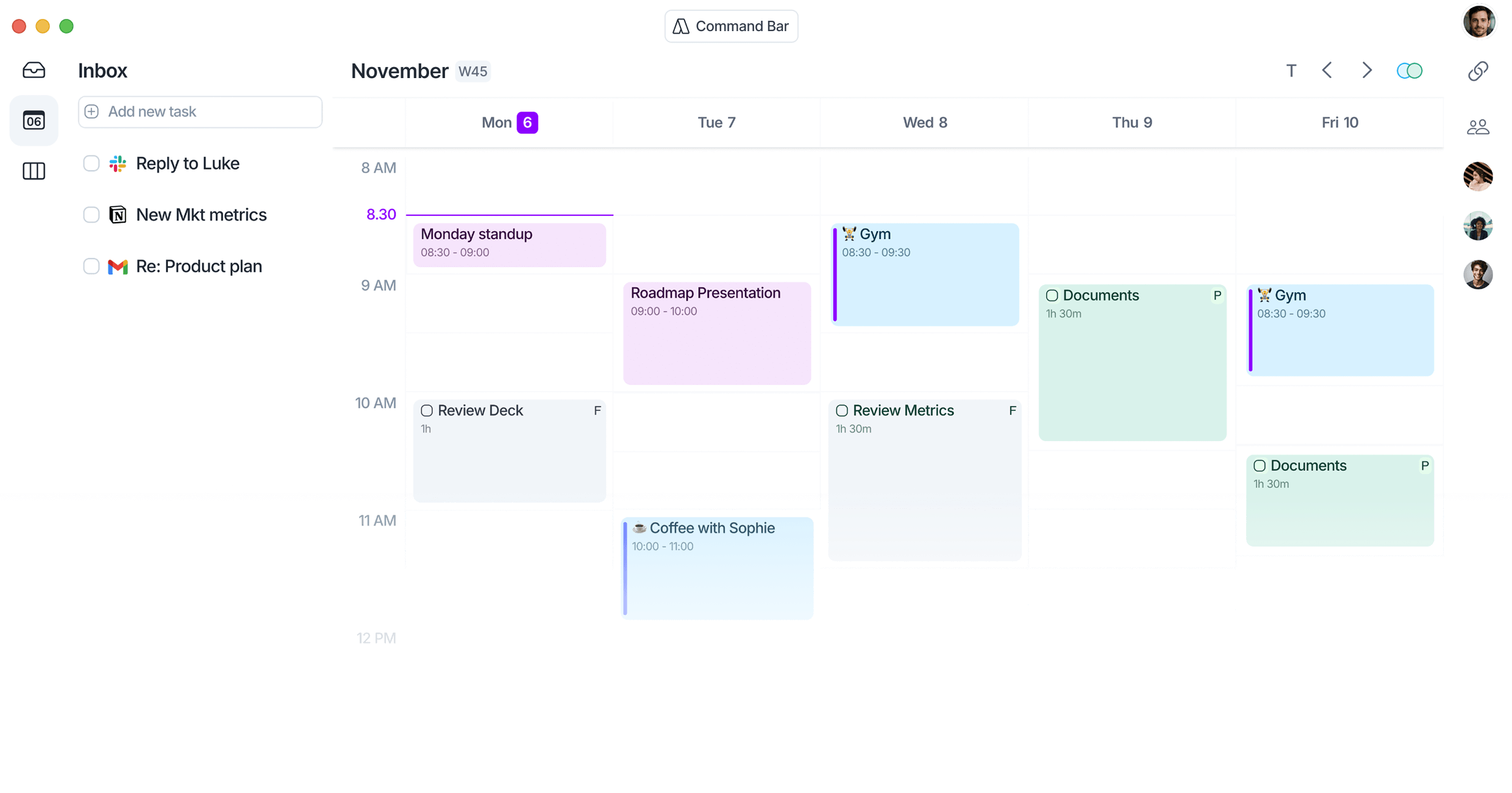
Akiflow pulls every task from your inbox, Slack, Notion, and calendars into one place, then time-blocks your day so you actually work your plan instead of your notifications.
Pricing
7-day free trial, then Pro runs $19 to $34 a month ($19 billed yearly, $34 billed monthly), and every plan includes the built-in Aki AI assistant.
As reported in our 4 Jul 2026 issue.
Try it in 3 steps
- Connect your calendars and tools (Google or Outlook, plus Slack, Notion, and Gmail) so every meeting and task lands in one unified Inbox.
- Drag this week's tasks onto your calendar to time-block them, or hit the Schedule Optimizer and let Akiflow build the plan for you.
- When the day goes sideways, tap the optimizer to reshuffle what is left, and use the Morning and Wrap-up briefs to start and close each day in under a minute.
How it scored
The screen every Tool of the Week has to pass (1 to 5).
| Useful every week | 5/5 |
| New or updated recently | 5/5 |
Where we covered it
- 4 Jul 2026, Tool of the Week: What If AI Is Hiring, Not Firing?
Get the one tool worth trying each week.
One free AI tool we actually tried, what it hands you, and whether the free plan is enough. Plus the week's AI news in plain English. About a 4 minute read, every Saturday.
Subscribe free