NotebookLM
Best for asking questions of your own documents.
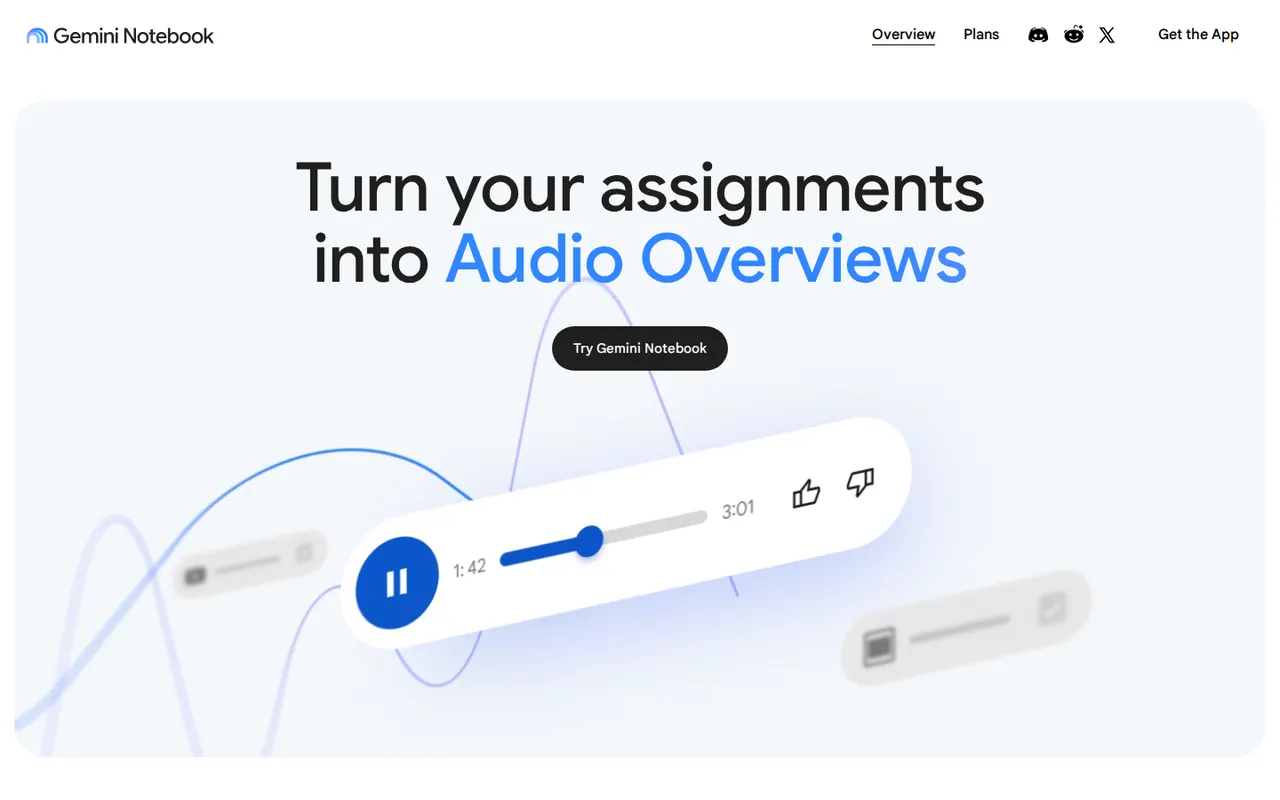
NotebookLM is Google's research assistant that reads your own documents (reports, PDFs, transcripts, web pages) and lets you ask questions, generate summaries, and turn the pile into a podcast-style audio rundown or a set of narrated slides.
The free path
Free Standard tier (100 notebooks, 50 sources per notebook, 50 daily chats, 3 Audio and 3 Video Overviews per day, 10 Deep Research reports per month, no credit card).
As reported in our 30 May 2026 issue.
How to get the most out of it
Try it in 3 steps
- Go to notebooklm.google.com, create a notebook, and drop in your sources: upload PDFs and Word docs, paste links, or add a Google Doc. The free plan holds 50 sources per notebook.
- Ask it questions in plain language ("What are the three biggest risks in this contract?"). Every answer cites the exact source passage, so you can trust it and verify fast.
- When you need to brief someone (or yourself on a commute), click "Audio Overview" for a podcast-style summary, or "Deep Research" to send it off to write a sourced report you can skim later.
Tips that use NotebookLM
Why we picked it
The free Standard plan now includes Deep Research (it will go browse the web and write you a sourced report) and both Audio and Video Overviews, with no credit card required. While everyone else is teaching their AI to charge you, this one still does the heavy lifting for nothing.
From our 30 May 2026 issue.
Where we covered it
- 30 May 2026 · Tool of the WeekWho Still Gives AI Away for Free?

Get the one tool worth trying each week.
One free AI tool we actually tried, what it hands you, and whether the free plan is enough. Plus the week's AI news in plain English.
Free. Every Saturday. About a 4 minute read.