Google Workspace CLI
Best for connecting AI agents to Google Workspace (command line).
A single command-line tool that connects AI agents to your entire Google Workspace, Drive, Gmail, Calendar, Sheets, Docs, Chat, and Admin, through one unified interface.
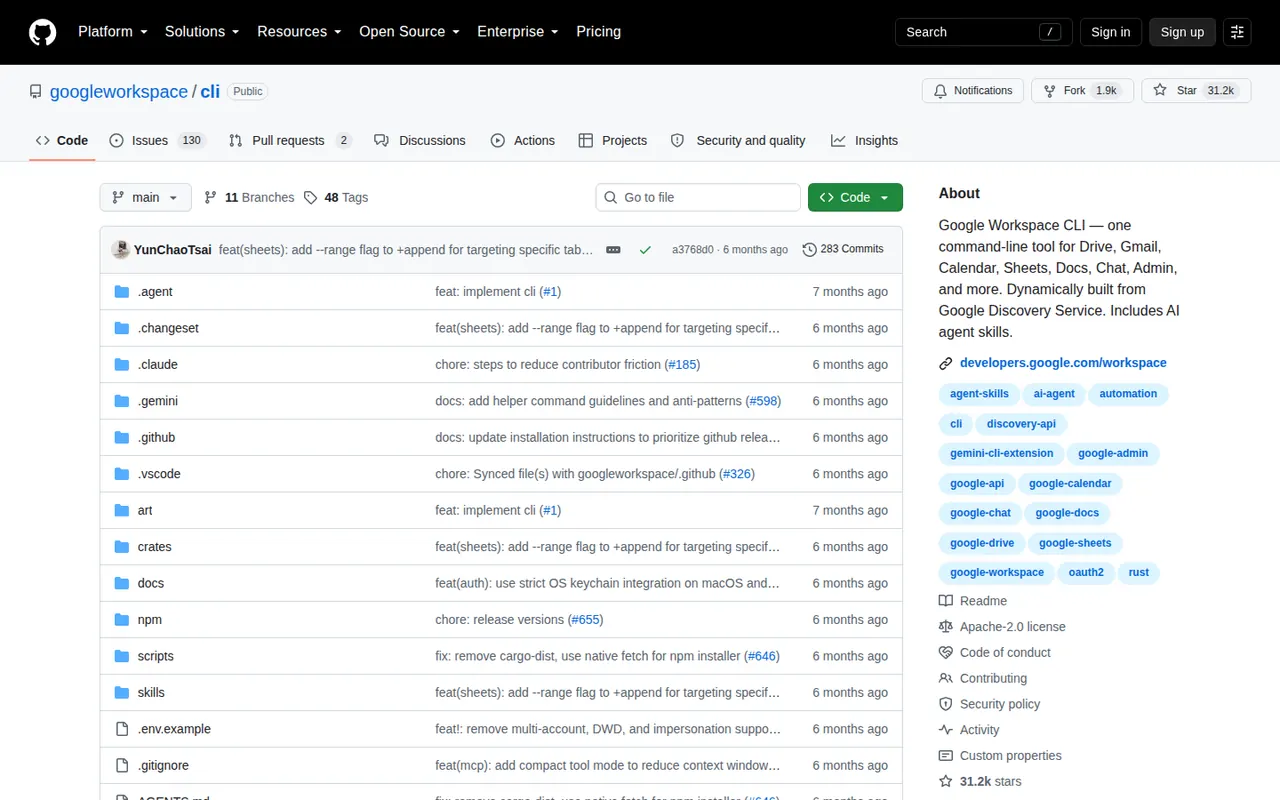
The free path
Free and open source (GitHub). Requires a Google Cloud project for authentication (free tier available).
As reported in our 7 Mar 2026 issue.
How to get the most out of it
Try it in 3 steps
- Install with
npm install -g @googleworkspace/cli(or download a pre-built binary) - Run
gws auth setupto connect your Google account - Start the AI agent bridge with
gws mcp -s drive,gmail,calendar, this exposes your Workspace apps to any MCP-compatible AI assistant
Why we picked it
Google released gws on March 2 and it immediately hit #1 on Hacker News, racking up 14,500 GitHub stars in under a week. Why the excitement? This is Google's first official tool that lets AI assistants (like Claude Desktop, VS Code Copilot, or any MCP-compatible agent) directly access and manage your Google Workspace apps. Think of it as the bridge between your AI tools and the apps where you actually do your work.
From our 7 Mar 2026 issue.
Where we covered it
- 7 Mar 2026 · Tool of the WeekCan GPT 5.4 Actually Use Your Computer?
More automation tools
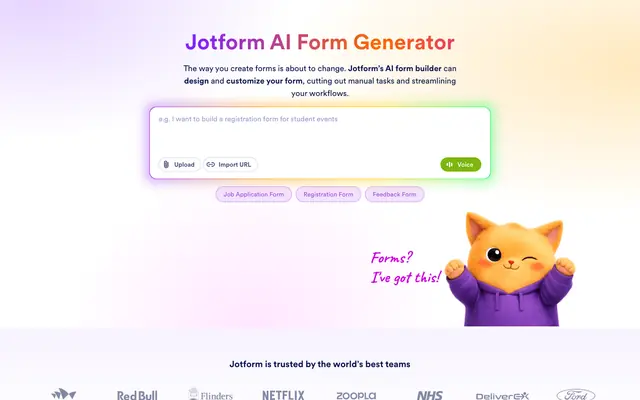
Jotform
Jotform's AI Form Generator turns a plain-English request into a working online form, or into a chat-based AI agent that walks the person on the other end through filling it in.
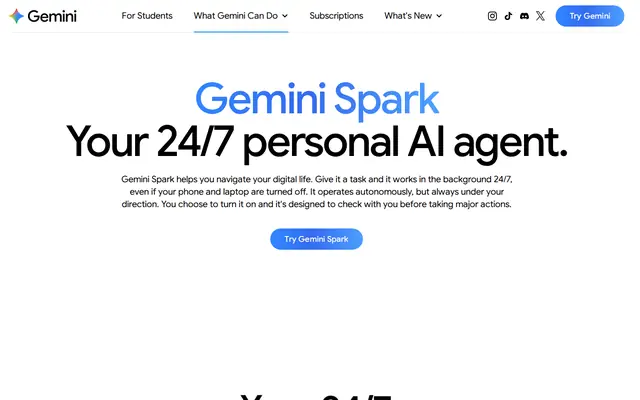
Gemini Spark
Background jobs across Gmail, Calendar and Drive
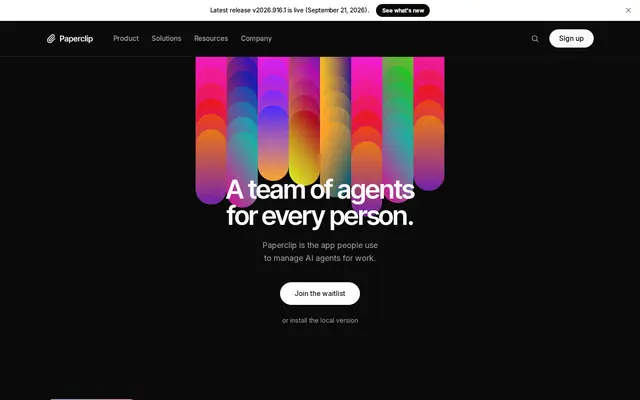
Paperclip
Running a team of AI agents with roles and budgets
Nvidia wants to cage rogue agents
Nvidia launched the Open Agent Safety Platform, free software meant to stop AI agents from breaking their limits, a direct answer to the week's government-site incidents.
Get the one tool worth trying each week.
One free AI tool we actually tried, what it hands you, and whether the free plan is enough. Plus the week's AI news in plain English.
Free. Every Saturday. About a 4 minute read.