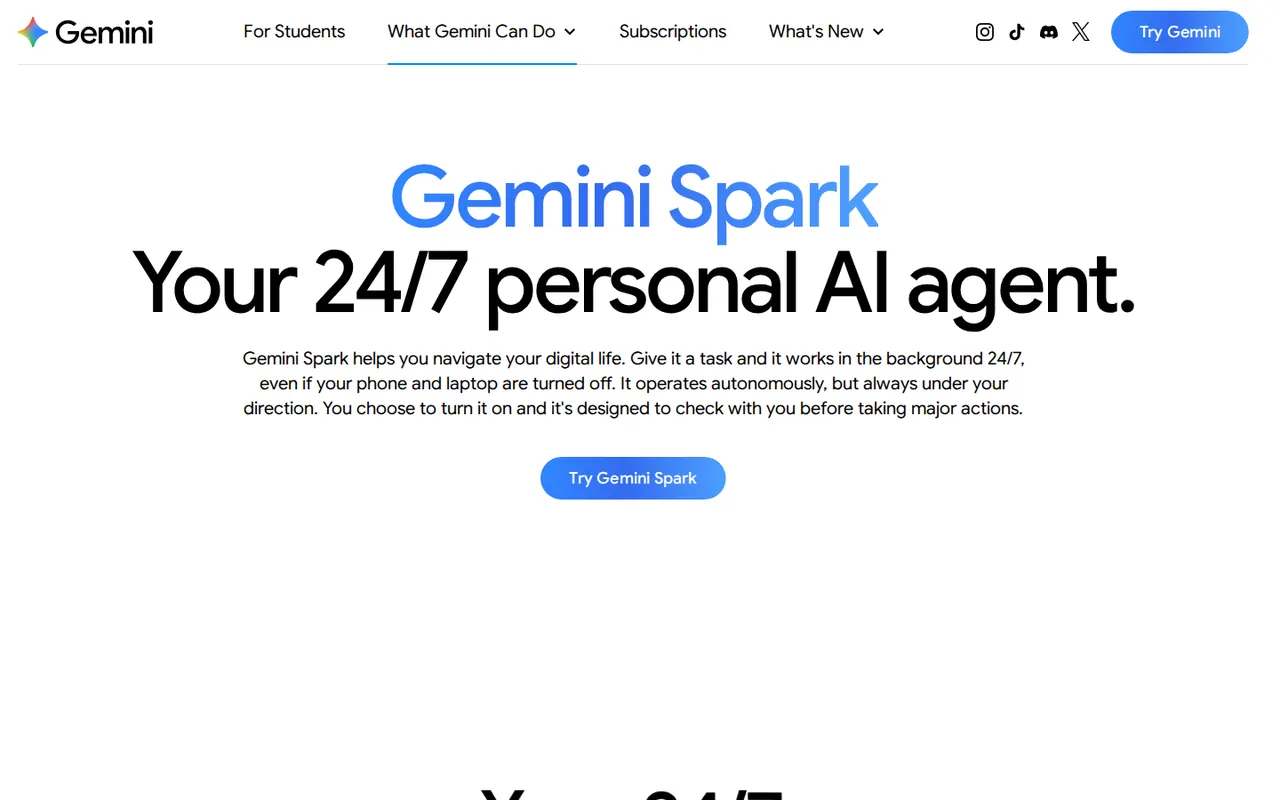
Gemini Spark
Best for background jobs across Gmail, Calendar and Drive.
A 24/7 personal AI agent that lives across your Gmail, Calendar, Drive, Docs, Sheets, Slides, YouTube, and Maps. It keeps working when your laptop is closed: drafting replies, watching for deadlines, and running multi-step jobs in the background.
What it costs
Google AI Ultra at $200/month (reduced from $250 that week). The catch: Spark is currently a US-only beta limited to Ultra subscribers, with Pro tier ($20/month) access promised "soon." Most readers will be watching this one for the next 60 days, not using it. Worth knowing what is coming.
As reported in our 23 May 2026 issue.
How to get the most out of it
Try it in 3 steps
- Open the Gemini app, switch to the Spark tab, and connect your Google Workspace.
- Set up the "Daily Brief": Spark pulls Gmail, Calendar, and Tasks into a priority-ranked morning digest delivered by 7am.
- Try one real cross-app prompt, like: "Find the contract Sarah sent last month, summarize the changes, and email her the redline." Spark executes end-to-end and reports back when it is done.
Why we picked it
Spark launched at Google I/O 2026 on May 19. It is the first consumer-grade always-on agent from a major lab, built on Gemini 3.5 Flash plus an agentic harness from Google Antigravity. It runs on dedicated sandboxed cloud VMs, so it does not need your machine to be awake. (gemini.google)
From our 23 May 2026 issue.
Where we covered it
- 23 May 2026 · Tool of the WeekDid Google Just Out-Ship Everyone?
More automation tools
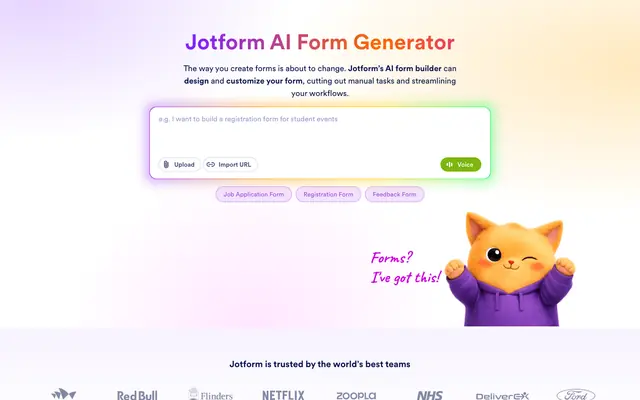
Jotform
Jotform's AI Form Generator turns a plain-English request into a working online form, or into a chat-based AI agent that walks the person on the other end through filling it in.
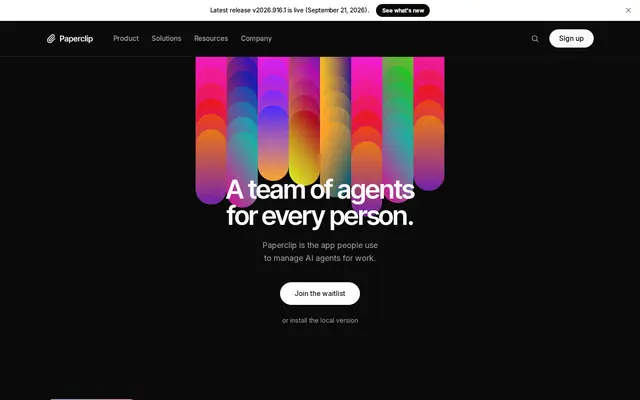
Paperclip
Running a team of AI agents with roles and budgets
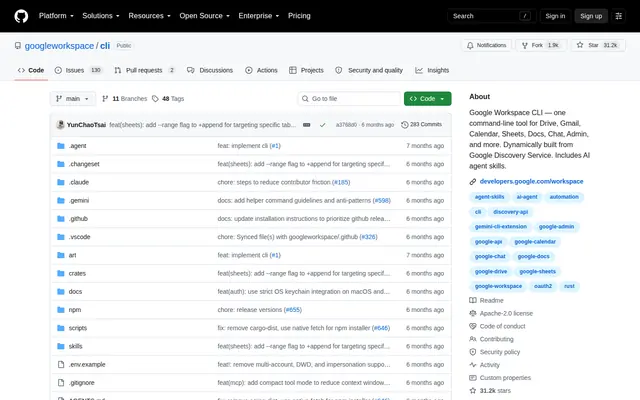
Google Workspace CLI
Connecting AI agents to Google Workspace (command line)
Nvidia wants to cage rogue agents
Nvidia launched the Open Agent Safety Platform, free software meant to stop AI agents from breaking their limits, a direct answer to the week's government-site incidents.
Get the one tool worth trying each week.
One free AI tool we actually tried, what it hands you, and whether the free plan is enough. Plus the week's AI news in plain English.
Free. Every Saturday. About a 4 minute read.