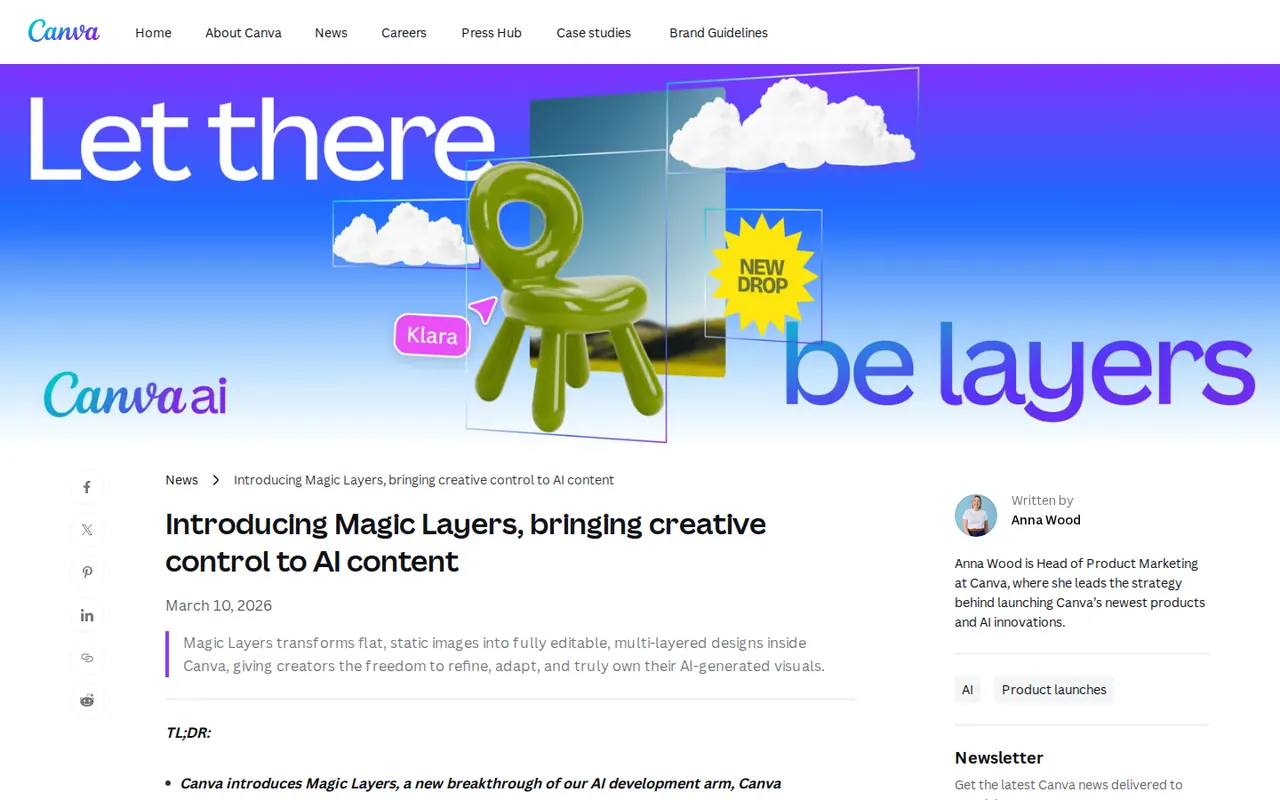
Canva Magic Layers
Best for turning a flat image into editable layers.
Launched March 11. Upload any flat image (even AI-generated ones) and Canva automatically separates it into editable layers: text becomes live text, objects become movable elements, backgrounds separate cleanly. Rolling out in US, UK, Canada, and Australia.
What it costs
Paid
Requires Canva Pro ($15/month) or higher.
As reported in our 14 Mar 2026 issue.
How we covered it
Canva Magic Layers was a news item in our roundup, not a hands-on Tool of the Week test, so there are no steps here. The tips page has workflows you can use today.
Where we covered it
- 14 Mar 2026 · In the newsHow to Use AI Without Burning Out · source
Get the one tool worth trying each week.
One free AI tool we actually tried, what it hands you, and whether the free plan is enough. Plus the week's AI news in plain English.
Free. Every Saturday. About a 4 minute read.