Microsoft 365 Copilot
Best for AI inside Word, Excel, PowerPoint, Outlook and Teams.
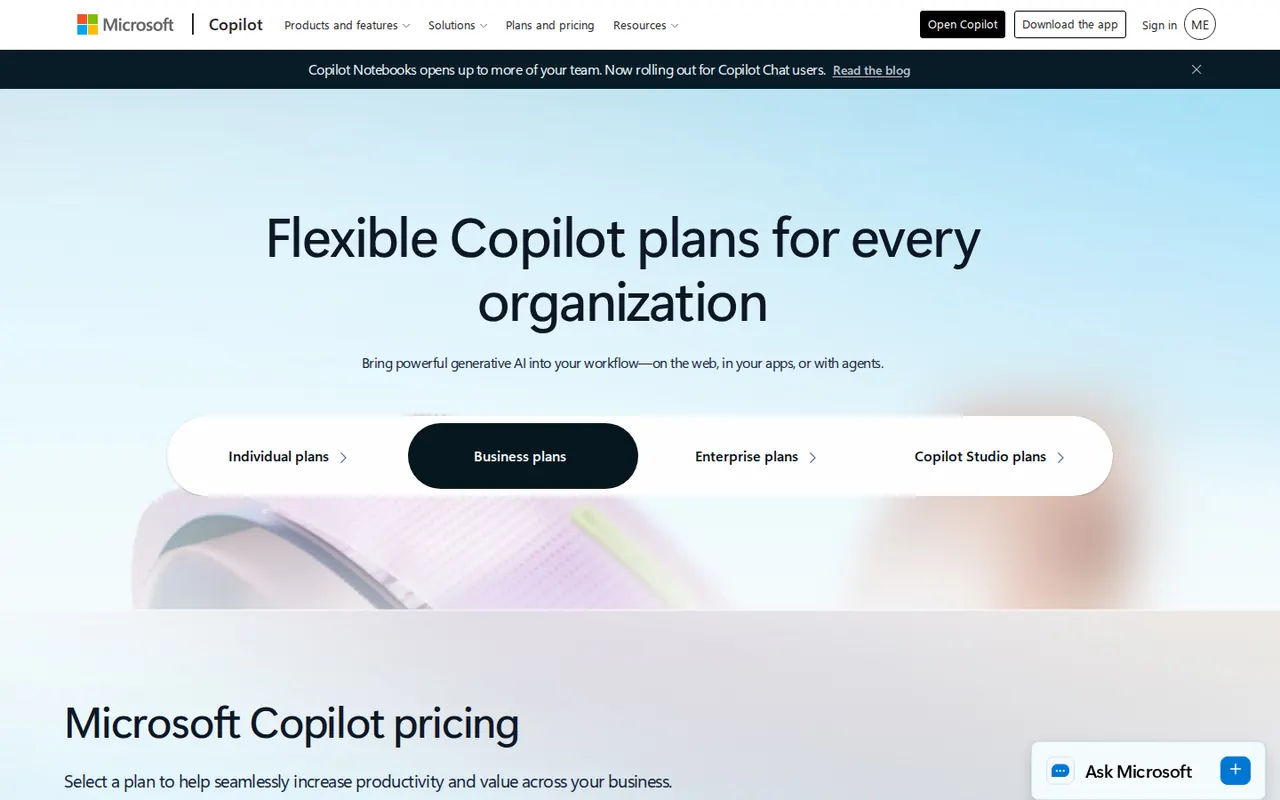
An AI assistant built into Word, Excel, PowerPoint, Outlook, and Teams that now lets you choose between OpenAI's GPT models and Anthropic's Claude for different tasks.
What it costs
Included in Microsoft 365 Business plans ($18-21/user/month) and Enterprise ($30/user/month). Copilot Pro for personal use is $20/month. A new E7 tier with enhanced AI features launches May 1 at $99/user/month.
As reported in our 21 Mar 2026 issue.
How to get the most out of it
Try it in 3 steps
- Open any Microsoft 365 app and click the Copilot icon in the toolbar. In Copilot Chat, you can now switch between GPT and Claude models depending on the task.
- For deep research, select "Researcher" under Agents in Chat, then choose Claude. Ask it to analyze long documents, compare data across files, or synthesize meeting notes into action items.
- For multi-step work, describe what you need in plain English ("Summarize this week's Project X emails and draft a status update for my manager") and Copilot Cowork will execute across Outlook, Word, and Teams.
Why we picked it
Microsoft launched Copilot Cowork on March 9, the biggest update to Copilot since its launch. It adds Claude as an alternative AI engine, introduces a Researcher agent for deep analysis, and lets Copilot execute multi-step workflows across your entire Microsoft 365 suite. For the 400+ million Office users, this turns Copilot from a suggestion tool into a task execution engine.
From our 21 Mar 2026 issue.
Where we covered it
- 21 Mar 2026 · Tool of the WeekAI Skills That Get You Promoted
More assistants tools
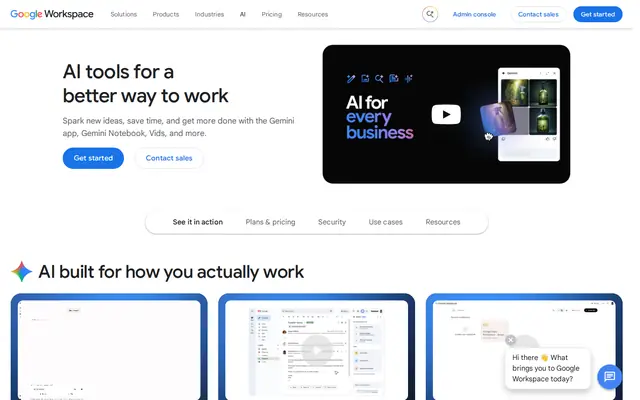
Google Workspace Intelligence
Answers grounded in your own Workspace files
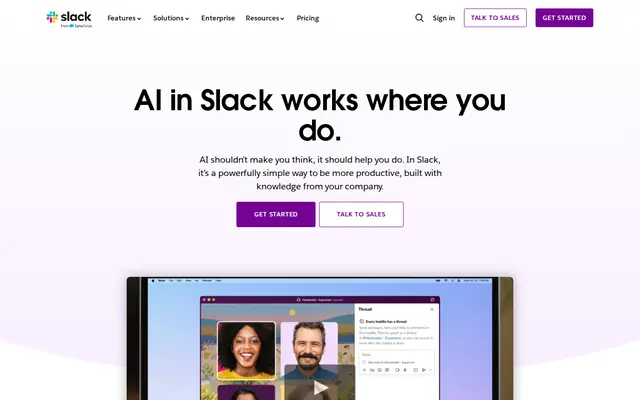
Slack AI
Summaries, search and drafts inside Slack
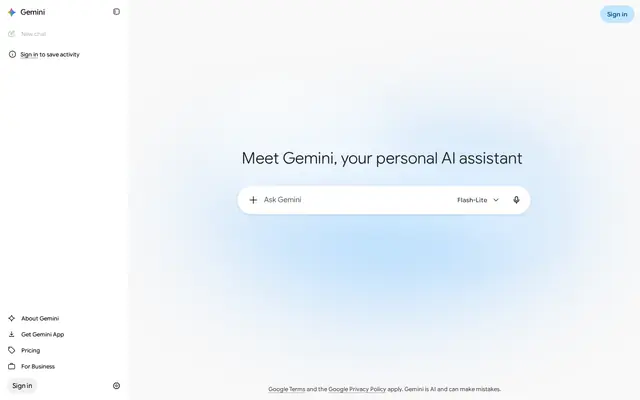
Gemini 3.1 Pro
Long documents, detailed reports, multi-step problems
Google tightens the free Gemini tier
While rivals race to give models away, Google is going the other way, restricting free Gemini accounts to the lightweight Flash-Lite model and reserving the Pro model for paid tiers, even on its $10 plan.
Get the one tool worth trying each week.
One free AI tool we actually tried, what it hands you, and whether the free plan is enough. Plus the week's AI news in plain English.
Free. Every Saturday. About a 4 minute read.